
ScanNCut Print to Cut

R550.00

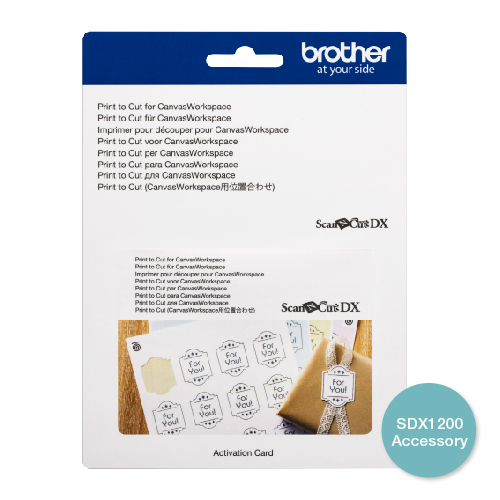
Your purchase of this activation card includes a unique activation code to unlock the function in Canvasworkspace.

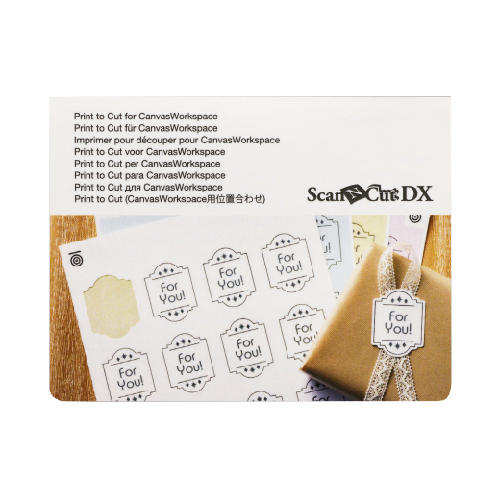
Print to Cut Function for the ScanNCut allows you to precisely cut sheets of design with ease.

Includes:

  • Activation Card for ScanNCut Print and Cut Plugin
  • Auto Position Adjustment
  • For use with Canvas Workspace
  • Compatible with SDX Series only

With the Print to Cut function of CanvasWorkspace, registration marks can be added in order to use the scanning function of a Brother ScanNCut SDX1200 cutting machine to detect the cutting position. By using material printed with images and registration marks together with cutting data created in CanvasWorkspace, you can efficiently cut the same image with the machine or cut out a specific part of the image.

This function is an alternative to using the Direct Cut function in the machine to create the cut data only once and directly cut each material.

This function is only available with the Brother ScanNCut SDX1200 cutting machine.

Reviews

There are no reviews yet.

Be the first to review “ScanNCut Print to Cut”

Your email address will not be published. Required fields are marked *


Deprecated: Function wc_enqueue_js is deprecated since version 10.4.0! Use wp_add_inline_script instead. in /var/www/html/canvasworkspace/wp-includes/functions.php on line 6170